1. Upload the server files
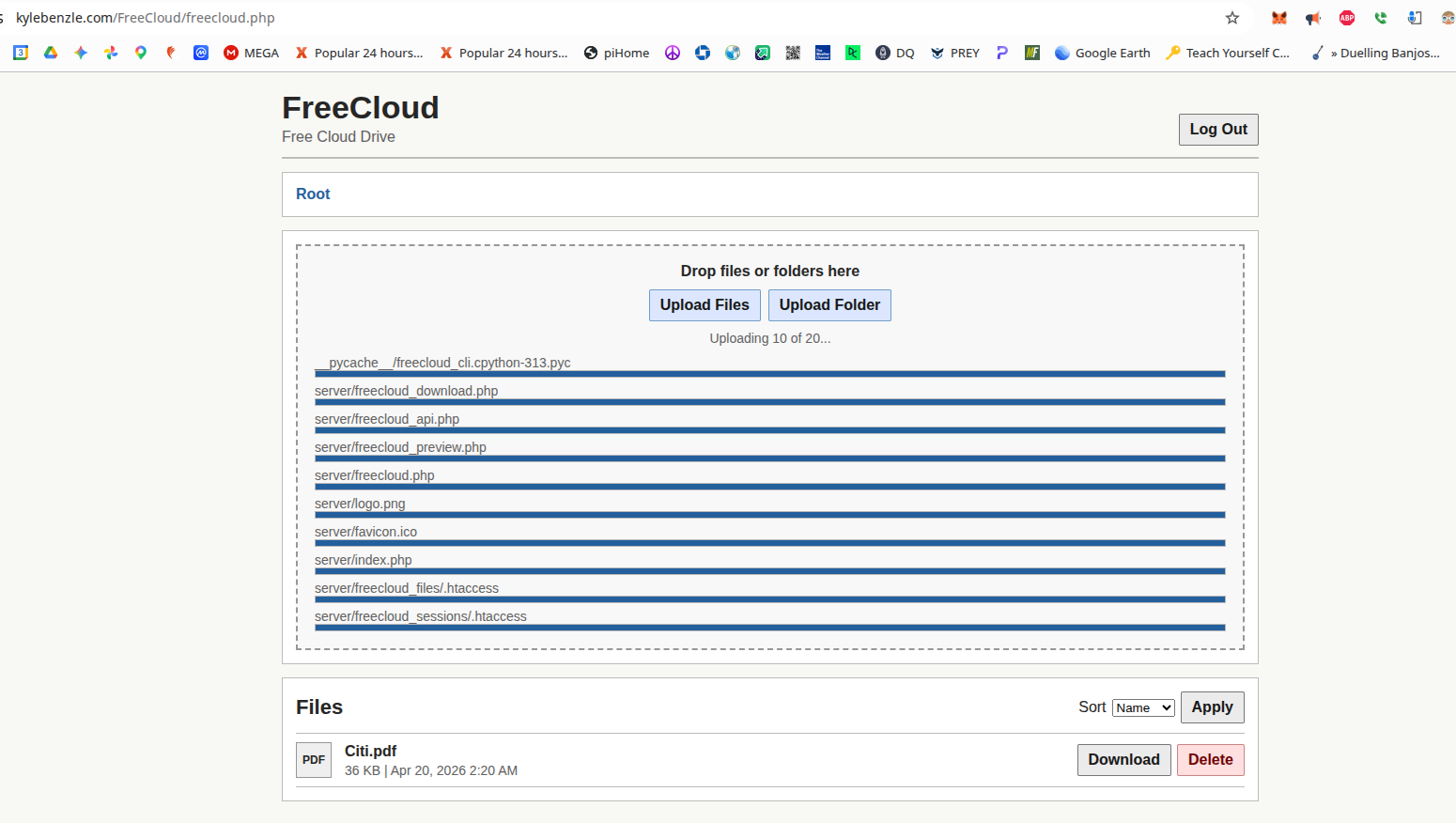
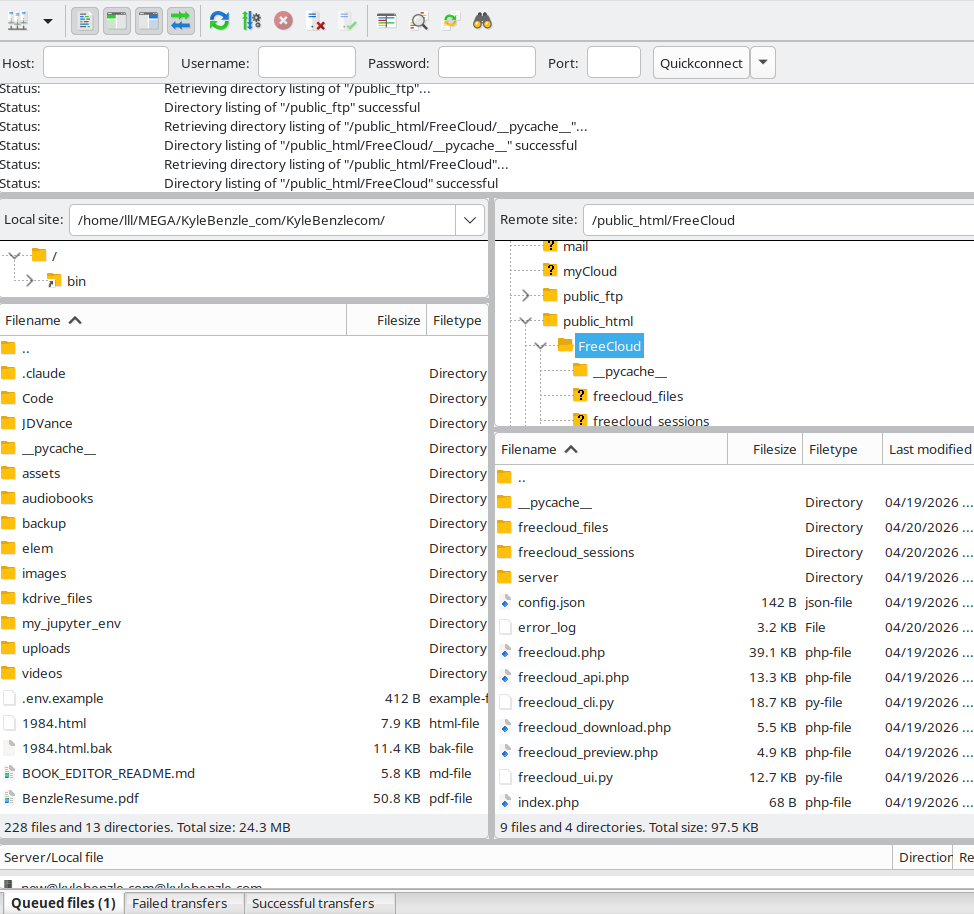
Upload everything inside the server/ folder to your web host.
public_html/FreeCloud/
Then visit:
https://yourdomain.com/FreeCloud
FreeCloud turns the disk space you already pay for on your web host into a simple personal cloud drive with desktop sync, a browser file manager, and a working Android app.
If you already pay for hosting, there is a good chance you are also paying for cloud storage somewhere else. FreeCloud is the simple version of using that hosting space instead of buying the same storage again.
If you pay for web hosting, cloud storage, and maybe email storage too, you may be paying for the same kind of disk space two or three times.
FreeCloud is a small hosted cloud drive. Upload the server files to your host, run the desktop app on Linux, macOS, or Windows, and use the Android app when you want your files on your phone too.
Files are stored directly on your web host filesystem.
Use a normal local folder and keep it synced with your hosted drive.
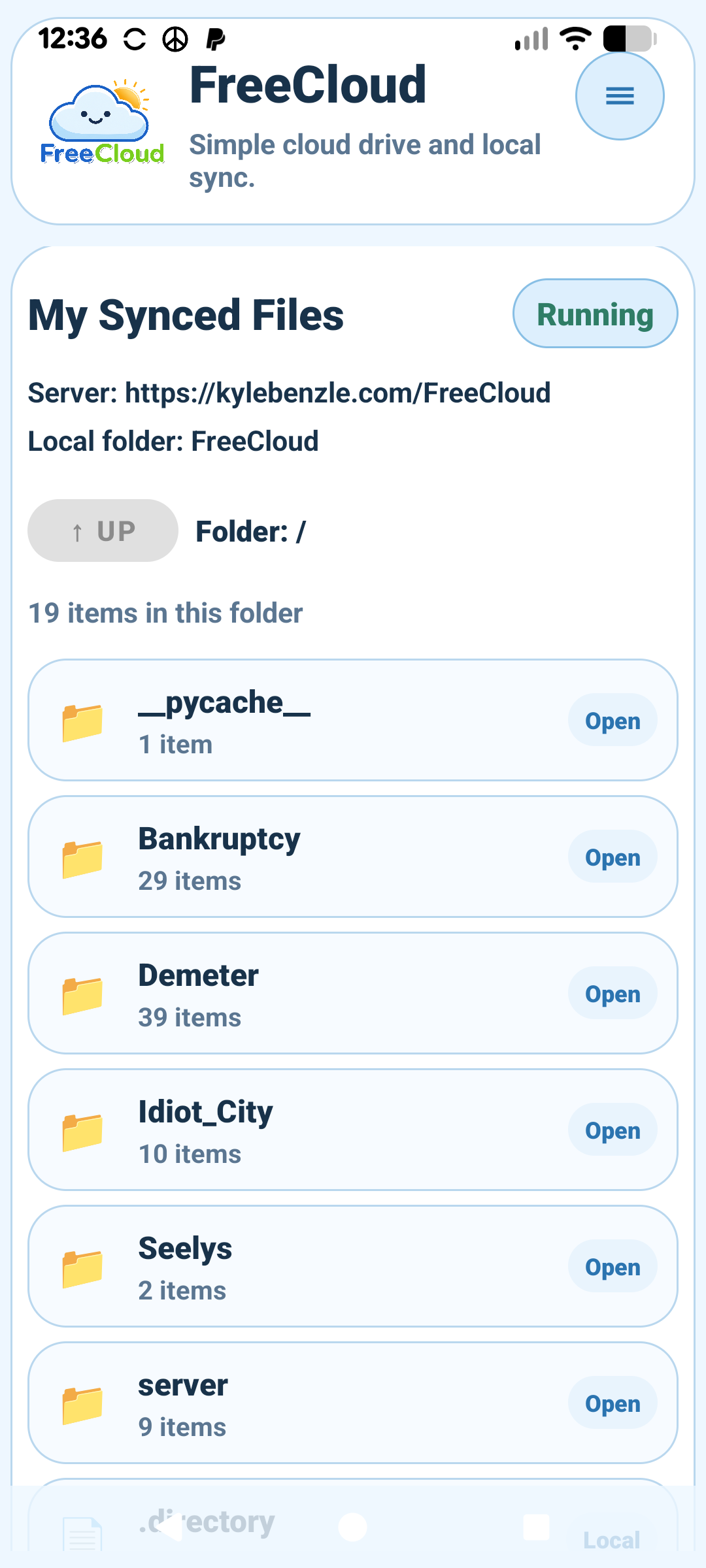
Browse, upload, and sync files from your phone using the same hosted drive.
Use hosting space you are already paying for.
Open your drive in a browser anywhere and manage files without the desktop app.
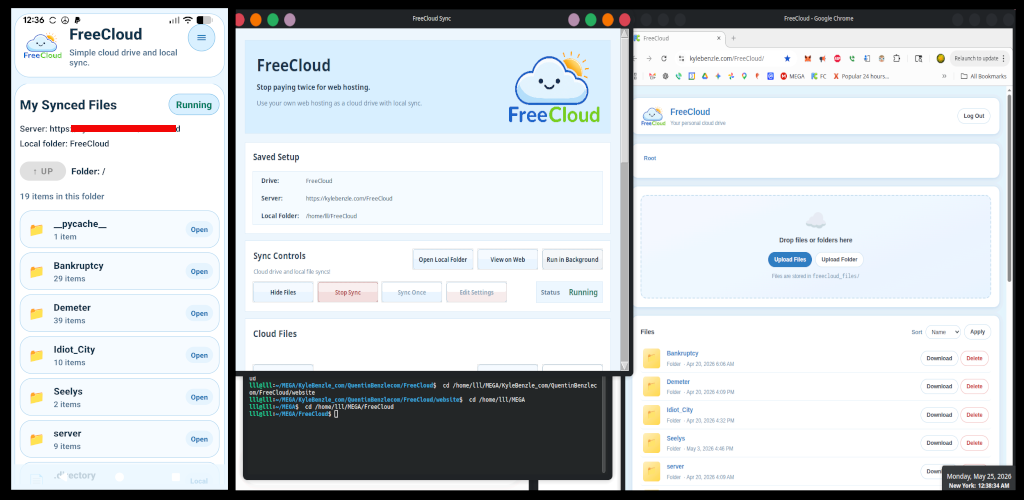
Desktop app, Android app, and web page all point to the same server folder.
This short video shows the basic FreeCloud flow: local sync, web access, and phone access using the same hosted folder.
Four basic steps: upload the server files, connect the desktop app, then add the Android app if you want phone access too.
Upload everything inside the server/ folder to your web host.
public_html/FreeCloud/
Then visit:
https://yourdomain.com/FreeCloud
Start the local app and fill in your domain, cloud folder, local folder, and password.
Mac / Linux:
./Run_Mac_Linux.sh
Windows:
Run_Windows.bat
The local folder is just a normal folder on your computer. Once saved, the app can start syncing right away.
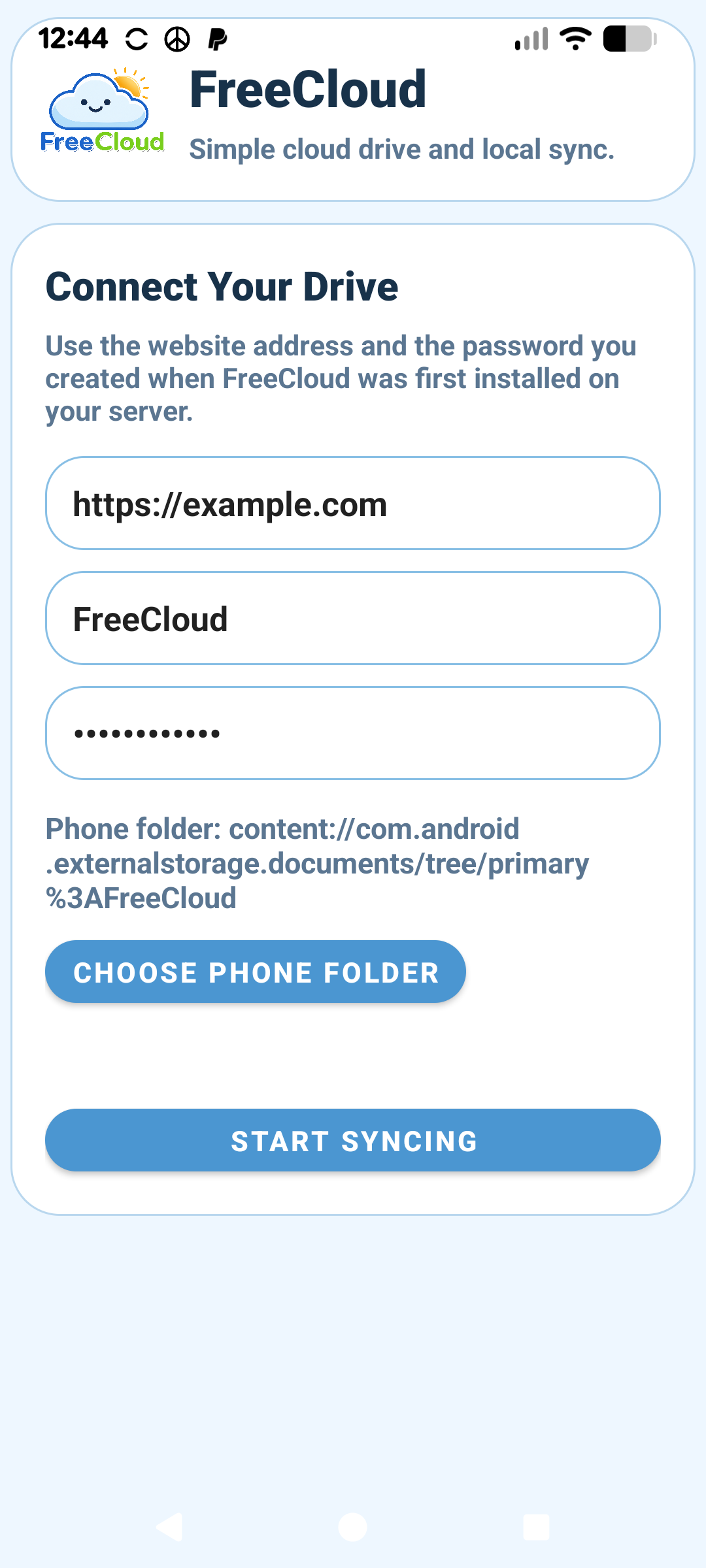
Install the Android app, enter the same server address and password, then choose the phone folder you want to use.
https://yourdomain.com/FreeCloud
The Android app uses the same FreeCloud install as the desktop app, so everything stays tied to the same hosted drive.
Add files locally and they sync to your host. Open the web view when you are away from your computer. Open the Android app when you want the same drive on your phone.
Desktop + Android + Web
all use the same hosted FreeCloud folder.
You can browse synced folders, open files, and manage the same storage from all three places.
FreeCloud is early and practical. Feedback, testing, fixes, packaging help, Windows/macOS testing, Android polish, and security review are welcome.